
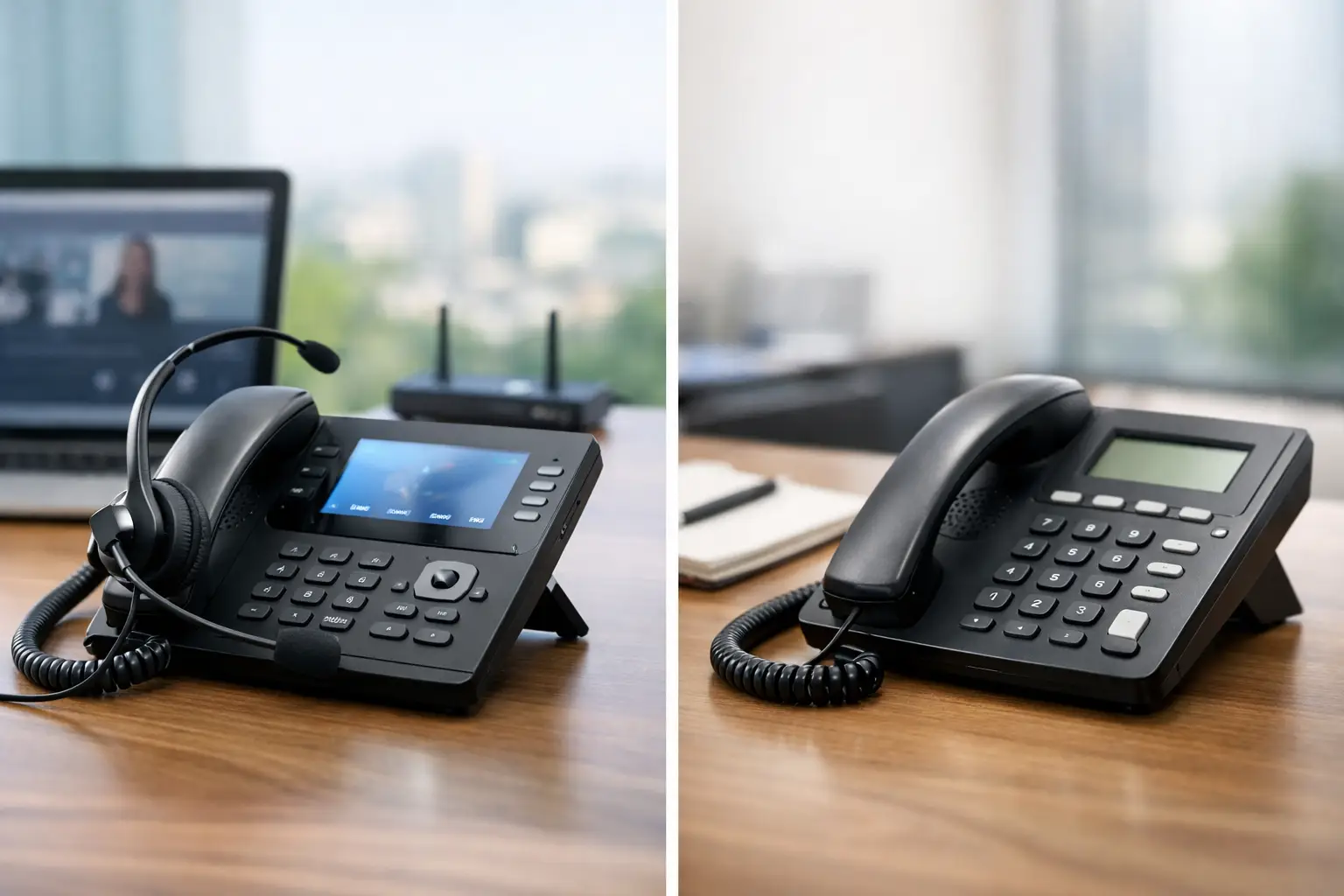
VoIP vs Landline Office Phones for Business
A missed customer call is rarely just a missed call. It can mean a lost appointment, a delayed service request, or a client who calls the next company on their list. When comparing VoIP vs landline office phones, the best choice is not about following the newest trend. It is about giving your team dependable communication that fits how your business actually operates.
For many small and mid-sized businesses, a phone system needs to do more than ring a desk phone. It needs to route calls to the right person, support staff working from different locations, stay manageable as the company grows, and avoid creating surprise costs. Landlines and VoIP can both serve a purpose, but they solve those needs in very different ways.
VoIP vs Landline Office Phones: The Core Difference
A traditional landline uses physical telephone wiring and connects through a local phone carrier. The phone service is tied closely to a specific location, and each line generally supports one active call at a time. It is familiar, straightforward, and has been a reliable office standard for decades.
VoIP, or Voice over Internet Protocol, sends calls over an internet connection rather than traditional phone lines. A VoIP system can use desk phones, computers, mobile apps, or headsets. Instead of treating every phone as an isolated line, it gives the business a communications platform that can include extensions, voicemail, call queues, auto attendants, call forwarding, and remote access.
That difference matters most when a caller needs help quickly. With a landline, a call may ring at one physical desk and then roll to another line. With VoIP, calls can follow rules based on business hours, departments, availability, or escalation procedures. A customer can reach sales, billing, service, or an on-call technician without someone manually transferring every call.
Cost: Look Beyond the Monthly Phone Bill
Landlines can appear affordable if your business only needs a few static phones. However, costs can add up when you add lines, long-distance calling, separate features, installation work, or changes to the office layout. Moving an employee to another area may require physical wiring changes and a service visit.
VoIP usually has a more predictable per-user or per-extension cost. Features that may be add-ons with a traditional carrier, such as voicemail-to-email, caller menus, call forwarding, and mobile access, are often part of the VoIP service package. This can make budgeting easier, especially for organizations with changing staffing levels.
The lowest monthly price should not make the decision on its own. A low-cost phone system can become expensive if calls are dropped, staff cannot reach customers outside the office, or no one is available to fix a problem. Factor in the full operating cost: hardware, installation, support, internet requirements, long-distance use, and the time your team spends working around limitations.
For a stable office with a handful of phones and no need for advanced routing, landlines may still be a reasonable fit. For organizations with multiple departments, changing schedules, remote staff, or customer service demands, VoIP often provides more value for the money.
Reliability Depends on the Supporting Infrastructure
Landlines have earned their reputation for reliability because traditional copper phone lines can continue working during a local power outage. That advantage is meaningful for certain facilities, especially where basic emergency calling is the main requirement.
VoIP depends on power and internet connectivity. If the office loses both, a basic VoIP setup will not operate normally. That is not a reason to rule it out. It is a reason to design it properly.
A business-grade VoIP setup should account for internet quality, network capacity, battery backup, and a plan for outages. A quality router and properly configured network can prioritize voice traffic so phone calls remain clear when employees are using cloud applications, video meetings, and file-sharing tools. Uninterruptible power supplies can keep key networking equipment and phones running through short outages. Call-forwarding rules can send calls to mobile devices or another location if the office becomes unavailable.
Internet service is equally important. A consumer-grade connection may be enough for a very small office, but it may not deliver the consistency required for multiple concurrent calls. A consultation should assess upload capacity, latency, network congestion, and the value of a backup internet connection. The phone system is only as dependable as the environment supporting it.
Flexibility Is Where VoIP Usually Pulls Ahead
Work no longer happens only at a desk between 9 and 5. Employees may be at a client site, home office, warehouse, or another branch. Business owners may need to take urgent calls after hours without publishing a personal cell number.
VoIP makes that flexibility practical. An employee can use the same business extension from a desk phone, desktop app, or mobile app. Calls can ring several devices at once or follow a sequence. Staff can transfer calls, view presence information, and retrieve voicemail without being in the office.
This flexibility also helps businesses present a more organized front to customers. An auto attendant can greet callers and direct them to the proper department. A call queue can hold callers with a professional message instead of sending them to a busy signal. During seasonal peaks, temporary staff or additional extensions can often be added without installing new physical lines.
Landlines are less adaptable by design. They work well when employees are consistently in one location and the call flow is simple. Once a business starts moving people, adding locations, or needing better visibility into call handling, the limitations become more noticeable.
Security and Emergency Calling Need Real Attention
Because VoIP operates on your data network, it should be treated as part of your IT and cybersecurity strategy. Poorly configured systems can face risks such as unauthorized access, toll fraud, phishing attempts aimed at voicemail credentials, and service disruption. These issues are manageable, but they require more than plugging in phones and hoping for the best.
A professionally managed VoIP environment should use strong account controls, secure network configuration, software updates, and monitoring. Separating voice traffic where appropriate and protecting the network with business-grade firewall and security tools helps reduce risk. Your provider should also have a clear support process when call quality changes or a suspicious activity alert appears.
Emergency calling deserves the same care. With a landline, emergency services can generally identify the physical service address. With VoIP, the registered emergency address must be accurate for each relevant location. This is particularly important when phones or users move between offices, work remotely, or operate from temporary sites. Review emergency calling procedures with your provider, and make sure employees know what to do if internet or power is unavailable.
When a Landline Still Makes Sense
VoIP is not automatically the right answer for every organization. A traditional landline can remain useful for an elevator phone, alarm panel, fax equipment, or a simple backup line, depending on the equipment and local service availability. Some businesses with limited internet access or highly fixed operations may also prefer a conventional phone setup.
There is also a middle ground. Many organizations use VoIP for day-to-day customer communications while keeping a dedicated backup option for critical systems. The right design depends on business continuity needs, not on choosing one technology out of habit.
How to Choose the Right Office Phone System
Start with the calls your business handles, not with a hardware catalog. Consider how many people answer calls, whether teams work remotely, how often staffing changes, what happens after hours, and how costly a missed call would be. Then look at the network and support behind the phones.
Ask practical questions before making a decision. Can calls be redirected if the office loses internet? Will your current internet connection support the expected call volume? How quickly can new users be added? Are voicemail, caller menus, call recording, and mobile access needed? Who will support the system when something goes wrong?
For most growing businesses, VoIP is the more flexible long-term option because it connects communications to the way teams work now. But the migration should be planned carefully. Number porting, phone selection, network readiness, training, and fallback procedures all affect the experience for employees and customers.
Schneiders MSP can evaluate the phone system, connectivity, security, and support requirements together, then recommend a setup that fits the operation and budget. The goal is not to add technology for its own sake. It is to make sure the next customer who calls reaches a helpful person without friction.