
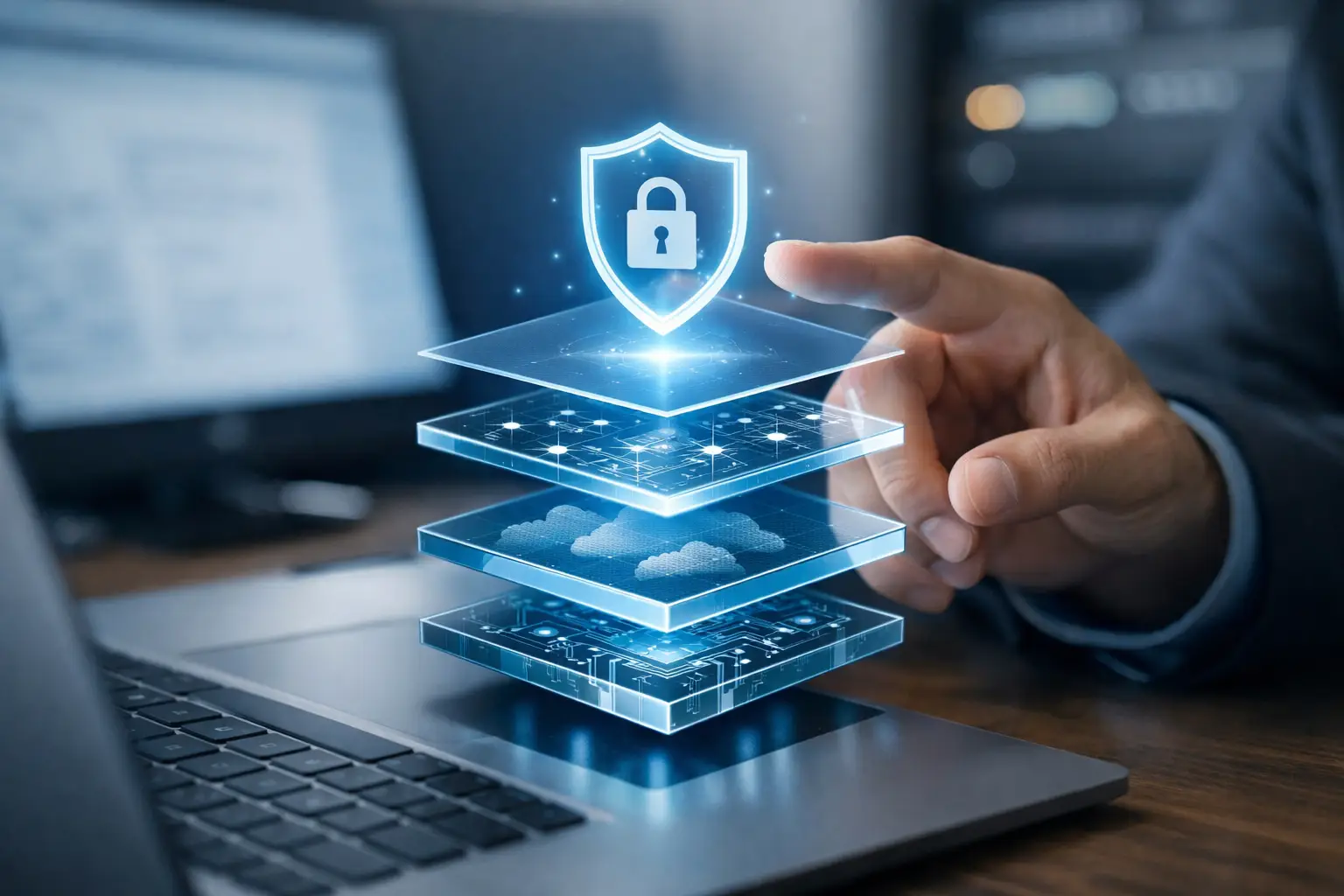
Top Business Cybersecurity Layers That Matter
A ransomware email can arrive at 9:07 a.m., look like a vendor invoice, and be opened before the first coffee break ends. That is why the top business cybersecurity layers are not a single software purchase or a once-a-year checklist. They are connected safeguards that prevent common attacks, limit damage when something slips through, and help your team recover without extended downtime.
For small and mid-sized businesses, the goal is practical protection. You need security that fits the way your people work, supports your budget, and does not create a maze of tools nobody owns. The right approach starts with the risks that cause the most disruption: compromised email accounts, stolen passwords, infected devices, exposed networks, and backups that cannot be restored when needed.
Why cybersecurity needs more than one layer
Cybercriminals rarely rely on one tactic. An attacker may use a phishing message to collect a password, sign in to a cloud account, forward invoices to themselves, then use that access to reach shared files or other systems. If every safeguard depends on the user spotting the first suspicious email, the business has very little room for error.
Layered security gives you that room. An email filter can block known threats. Multifactor authentication can stop a login even if a password is stolen. Endpoint protection can catch suspicious activity on a workstation. A tested backup can provide a clean recovery point if an attack still gets through.
Not every company needs the same configuration. A professional office with cloud applications has different priorities than a manufacturer with shop-floor devices, a distributed workforce, or a business that accepts online payments. The principle stays the same: use several controls that cover different failure points.
The top business cybersecurity layers to prioritize
1. Identity protection and multifactor authentication
Passwords remain one of the easiest ways into a business. Employees reuse them, save them in browsers, and sometimes enter them on convincing fake sign-in pages. Strong password policies help, but they are not enough on their own.
Multifactor authentication, often called MFA, requires a second form of verification, such as an authenticator app approval or security key. It should be standard for email, cloud storage, remote access, financial systems, and administrative accounts. Start with the accounts that can cause the most harm if compromised, then expand coverage across the organization.
Role-based access is equally important. Staff should have access to the files, applications, and systems needed for their work, not broad access “just in case.” When an employee changes roles or leaves, their permissions must be reviewed promptly. This reduces accidental exposure and limits what an attacker can reach with a compromised account.
2. Email security and employee awareness
Email is still the front door for many business attacks. Phishing messages have improved considerably. They may impersonate a customer, shipping company, executive, bank, or software provider. Some do not include malware at all. Their purpose is simply to convince a person to reveal credentials or change payment details.
A business-grade email security service can filter malicious links, dangerous attachments, impersonation attempts, and unwanted messages before they reach the inbox. It should also provide visibility into suspicious activity so that issues can be investigated quickly.
Technology needs support from your team. Brief, regular security awareness training helps employees recognize unusual requests, verify changes to banking information, and report suspicious messages without fear of getting blamed. The most useful training is specific and repeatable. Teach people to pause when an email creates urgency, asks for a password, or requests an unexpected payment.
3. Endpoint protection and device management
Every laptop, desktop, server, and mobile device that connects to company information is an endpoint. One unpatched computer can create an opening for ransomware or unauthorized access, especially if it is used remotely or has local administrator privileges.
Modern endpoint protection goes beyond traditional antivirus. It monitors behavior that may indicate an attack, such as suspicious encryption activity, unusual process launches, or attempts to disable security controls. Managed detection and response can add human review and faster action when an alert needs attention.
Device management supports this layer by keeping operating systems and applications updated, enforcing screen locks, encrypting data, and helping the business remotely secure or wipe a lost device. For companies with remote staff, it also provides a clearer picture of what equipment is accessing business resources.
4. Network security and secure remote access
A firewall is an essential boundary between your internal network and the internet, but it needs to be configured, updated, and monitored. A basic installation that has not been reviewed in years may not reflect your current users, cloud services, guest Wi-Fi, or remote access needs.
Network segmentation adds another valuable control. Rather than placing every device on the same network, separate business workstations, servers, guest Wi-Fi, cameras, phones, and specialized equipment where appropriate. If one device is compromised, segmentation can make it much harder for an attacker to move through the environment.
Remote access deserves special attention. Employees should not expose remote desktop services directly to the internet or use shared credentials to access company systems. Secure remote access should use MFA, encrypted connections, and permissions that match the user’s role. Convenience matters, but unmanaged convenience can become an expensive outage.
5. Backups, recovery, and ransomware protection
Backups are a cybersecurity layer because recovery is often the last line of defense. A backup that exists but cannot be restored quickly does not protect operations when files are encrypted, deleted, or corrupted.
A sound backup plan includes more than copying data to one location. Keep protected copies separate from the main network, retain versions so you can recover from an earlier point in time, and monitor jobs for failures. Cloud platforms also need backup planning. Many businesses assume files stored in email or cloud drives are automatically protected against every deletion, malicious change, or retention issue. That assumption can create a painful gap.
Recovery testing is the part many organizations skip. Test whether you can restore a file, a server, and the applications required to operate. Ask how long recovery would realistically take and which systems must come back first. Those answers shape your business continuity plan and help set a sensible budget.
6. Monitoring, response, and ongoing maintenance
Security changes as your business changes. A new employee, application, location, vendor, or remote-work arrangement can introduce new risk. Attack methods also change, which is why cybersecurity should be treated as an ongoing operational service rather than a project that ends after installation.
Monitoring helps identify unusual login attempts, failed backups, missed patches, firewall events, and endpoint alerts before they turn into a major incident. An incident response plan gives the team a clear path when something does happen: who to contact, who can make decisions, what systems to isolate, how to communicate, and when to involve insurance or legal advisors.
For many organizations, an outsourced IT partner provides the coverage needed to manage these moving parts without adding a full internal security team. Schneiders MSP can assess your environment, identify the most urgent gaps, and build a support plan that matches your operations rather than forcing a one-size-fits-all package.
Build layers in the right order
Trying to fix every cybersecurity concern at once can lead to wasted spending and unfinished projects. Begin with a clear assessment of your users, devices, accounts, data, network, and backup status. Then prioritize the controls that reduce the most likely and most damaging risks.
For many businesses, the first practical steps are enabling MFA, improving email filtering, updating endpoint protection, confirming reliable backups, and reviewing firewall and remote-access settings. From there, strengthen access controls, segmentation, monitoring, training, and incident response. A business handling sensitive customer data, regulated information, or payment systems may need additional safeguards and documented procedures.
The best security plan is one your staff can follow and your business can maintain. Start with the risks closest to your daily work, assign clear ownership, and test the protections before you need them. That is how cybersecurity becomes a dependable part of operations instead of a concern waiting quietly in the background.