
Fiber Internet vs Cable: Which Fits Your Business?
A slow connection rarely announces itself as an internet problem. It shows up as choppy client calls, stalled cloud backups, delayed file uploads, and employees waiting for applications to load. When comparing fiber internet vs cable, the right choice comes down to more than the download speed listed on a quote. It affects how reliably your team can work, communicate, protect data, and grow.
For many small and mid-sized businesses, cable remains a practical and readily available option. Fiber can deliver a major performance advantage, especially for organizations that depend on cloud services, VoIP, large files, remote access, or multiple locations. The best fit depends on your location, daily workload, budget, and how much downtime your operation can tolerate.
Fiber Internet vs Cable: The Core Difference
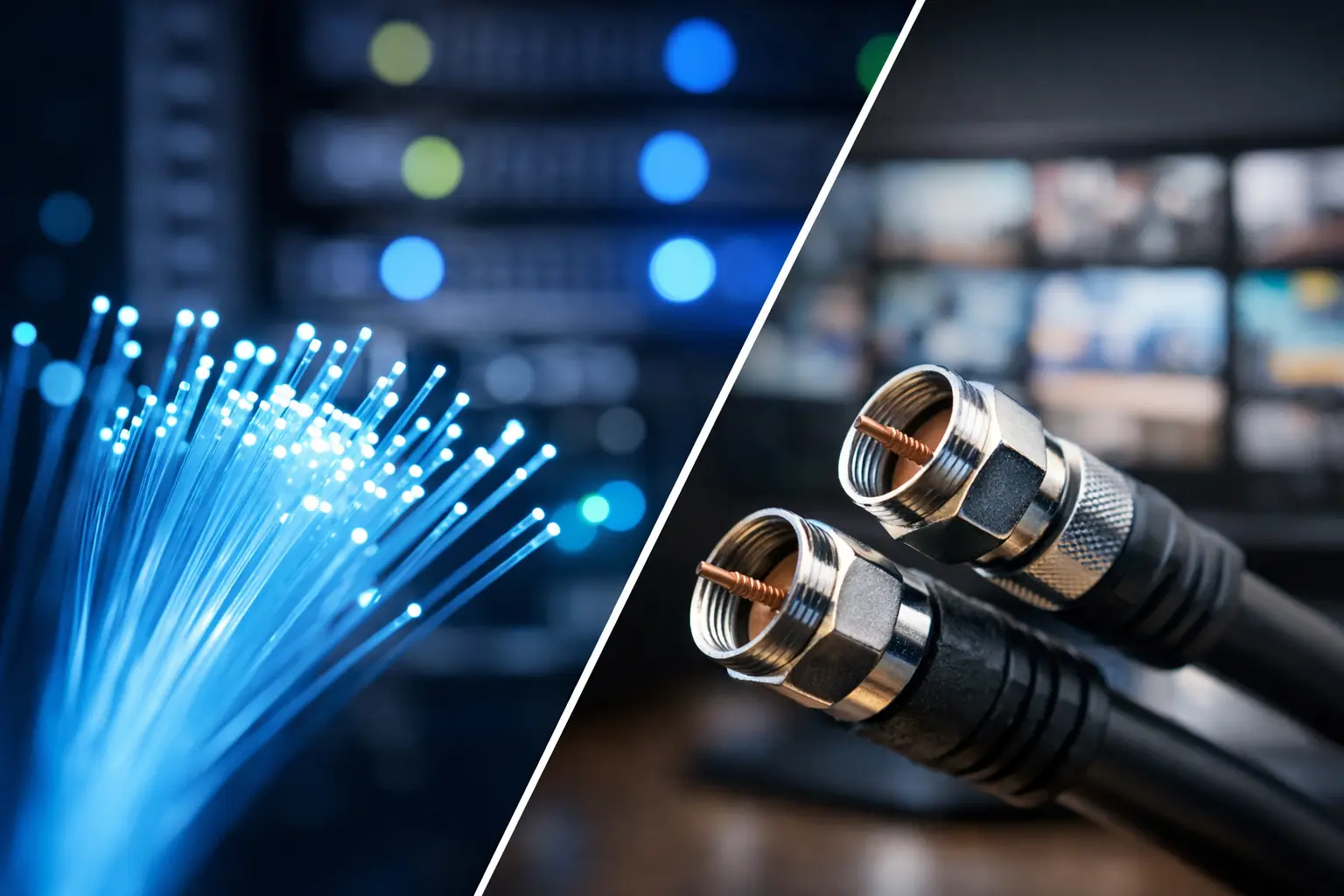
Fiber internet sends data through thin strands of glass using light. Cable internet uses the same coaxial infrastructure commonly used for television service, although modern cable networks can still provide strong business-grade speeds.
That difference in infrastructure changes how each service performs. Fiber is built for high capacity and usually offers symmetrical speeds, meaning uploads and downloads are equally fast. Cable commonly delivers fast download speeds but slower upload speeds. This was less noticeable when businesses mainly downloaded files and browsed websites. It matters much more now that teams upload to cloud platforms, host video meetings, send large attachments, and run off-site backups throughout the day.
A 500 Mbps cable connection may look comparable to a 500 Mbps fiber connection on paper. But if the cable plan provides only 20 or 50 Mbps upload while fiber provides 500 Mbps upload, the day-to-day experience can be very different.
Why Upload Speed Has Become a Business Issue
Upload capacity is one of the most overlooked factors in an internet quote. It determines how quickly your business can send information out, not just receive it.
Consider a design firm sharing large project files, a medical office syncing records to a secure cloud platform, or a construction company uploading site photos and drawings from the field. A limited upload connection can create bottlenecks even when web browsing feels normal. The same issue appears when an office runs cloud backups after hours. If backups take too long, they may run into the next business day or fail to complete within the available window.
Fiber is typically the better choice for organizations with regular upload-heavy work. That includes businesses using cloud servers, hosted phone systems, security cameras, remote desktop environments, Microsoft 365 or Google Workspace, and data backup services. Cable can still work well for a smaller office with modest cloud use, especially when the available plan includes enough upload capacity for its actual workload.
Video Calls and VoIP Need Consistency, Not Just Speed
A fast internet plan does not automatically produce clear phone calls and stable video meetings. Latency, jitter, packet loss, and network congestion all matter. Latency is the delay between sending and receiving data. Jitter is inconsistency in that delay. Both can cause voices to break up, video to freeze, or calls to drop.
Fiber generally provides lower latency and more consistent performance than cable. That makes it a strong fit for offices that rely on VoIP phones, frequent video conferencing, cloud-based customer service tools, or remote employees connecting to office resources.
Cable can support these services, particularly for smaller teams, but performance may be more affected by neighborhood usage during peak periods. A business-class cable service with the right equipment, network configuration, and service-level options can be a dependable solution. The question is whether the connection has enough headroom for your busiest moments, not just normal usage.
Reliability: Shared Networks and Physical Resilience
Cable service is often delivered over a shared local network. During high-demand periods, nearby users may compete for capacity. Providers have improved cable infrastructure substantially, but local congestion can still influence performance.
Fiber networks are generally less susceptible to this type of congestion and are not affected by electromagnetic interference in the same way as copper-based connections. That can improve consistency, especially in busy commercial areas or offices with many connected devices.
Still, fiber is not automatically immune to outages. Construction damage, power issues, provider equipment failures, and local network problems can affect any connection type. The practical difference is how the service is designed, monitored, supported, and backed up.
For organizations where internet downtime stops revenue-producing work, the more useful question is not simply “fiber or cable?” It is: what happens when the primary connection fails? A backup internet connection, automatic failover, properly configured firewall, and tested continuity plan can be more valuable than paying for speed your business does not need.
Cost and Availability Can Change the Answer
Fiber availability varies widely. One office park may have several fiber providers, while a location a few blocks away may only have cable options. In some cases, extending fiber to a building requires construction work, a longer lead time, and a higher installation cost.
Cable is often easier to obtain quickly and may have a lower monthly cost for comparable download speeds. For a budget-conscious business with ten employees, basic cloud tools, and no major upload demands, cable may be the sensible choice. Spending more for fiber is not automatically a better investment if the business will not use its capacity.
Fiber becomes easier to justify when it prevents lost productivity, supports a larger team, reduces issues with cloud workflows, or enables services that cable cannot reliably handle. It can also provide room to grow without replacing the connection as demands increase.
When reviewing costs, look beyond the monthly rate. Ask about installation charges, contract terms, equipment fees, static IP addresses, service-level agreements, repair response expectations, data limits, and price changes after promotional periods. A low advertised price can become less attractive once the full operating cost is clear.
How to Choose the Right Connection for Your Office
Start with the work your team performs during its busiest hour. Count devices, not just employees. Phones, laptops, Wi-Fi access points, printers, cameras, tablets, guest networks, smart devices, and backup systems all use bandwidth. Then consider the applications that cannot be interrupted, such as your phone system, point-of-sale platform, line-of-business software, remote access, or cloud storage.
Fiber is usually the stronger option if your business has a large staff, uses cloud-hosted systems heavily, transfers large files, runs frequent video meetings, operates security cameras, or depends on reliable VoIP. It is also a smart long-term choice for a growing business that wants capacity for future locations, more remote users, or additional cloud services.
Cable can be a good fit when fiber is unavailable, installation costs are difficult to justify, or your team has lighter connectivity needs. A well-designed cable setup can support many successful businesses. The key is to avoid treating it as a consumer connection. Business-grade equipment, network segmentation, security controls, monitored Wi-Fi, and an appropriate backup connection make a meaningful difference.
Do Not Let One Connection Carry Every Risk
The best internet setup is often a combination rather than a single service. For example, a company may use fiber as its primary connection and cable or wireless internet as a backup. Another business may use cable as the primary service, with cellular failover supporting phones, payment terminals, and essential cloud applications during an outage.
This approach is particularly useful for offices that cannot afford to lose communication with customers. Failover should be configured and tested before an outage occurs. A backup line that has never been tested is not a continuity plan.
A managed IT partner can assess application use, available providers, building infrastructure, firewall requirements, and backup needs before making a recommendation. Schneiders MSP helps businesses evaluate connectivity as part of the broader environment, including Wi-Fi, cybersecurity, VoIP, backup, and day-to-day support. That prevents a fast internet connection from becoming a weak link in an otherwise well-run operation.
Before signing a new internet agreement, identify the work that must continue when demand is highest and when the primary connection is unavailable. Choose the service that supports those real conditions, then build a backup plan around it. Your team should not have to think about the internet connection during a busy day – it should simply keep the business moving.