
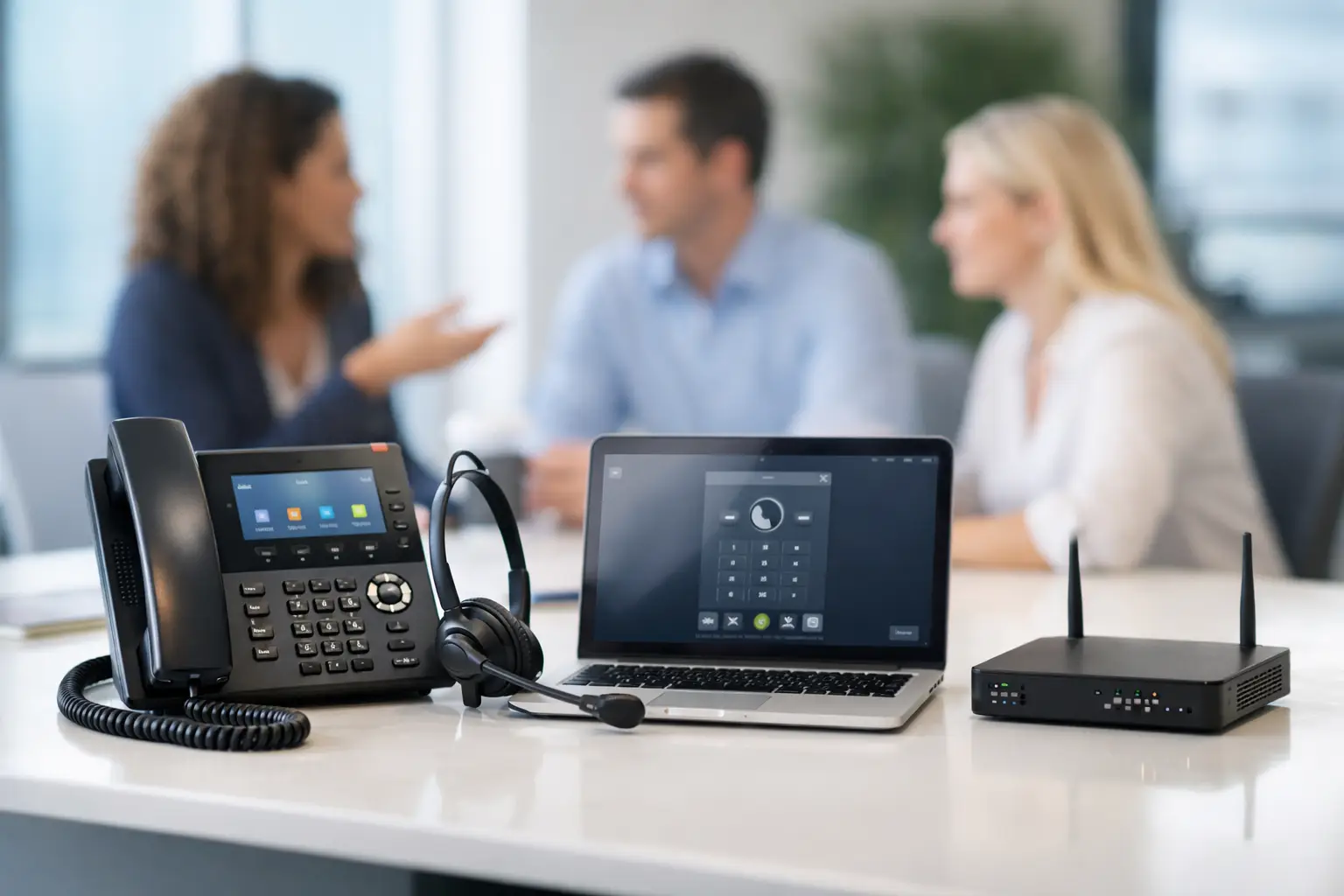
Hosted PBX Comparison for Growing Businesses
A missed call during a busy morning can mean more than one lost sale. It can leave a customer wondering whether anyone is available to help. A hosted PBX comparison gives business owners and operations leaders a practical way to choose a phone system that supports the way their team actually works – without buying more complexity than they need.
Hosted PBX services move the phone system from a server in your office to a provider-managed platform. Your team can make and receive calls through desk phones, mobile apps, computers, and softphones while the provider manages the core phone infrastructure. The appeal is straightforward: less on-site equipment, more flexibility, and a predictable monthly cost. The right choice, however, depends on call volume, internet reliability, staffing plans, security requirements, and the quality of support behind the service.
What a Hosted PBX Should Solve
A phone system should make it easier for customers to reach the right person and easier for employees to respond from wherever work happens. For a small or mid-sized business, that often means replacing a patchwork of desk phones, personal cell numbers, forwarded lines, and manual call handling with one managed system.
At a minimum, a hosted PBX should provide a professional main number, extensions, voicemail, call forwarding, auto attendants, and the ability to route calls by department, schedule, or availability. Many platforms also include voicemail-to-email, call queues, mobile applications, video meetings, texting, call recording, and integrations with business software.
More features do not automatically make a better system. A two-person office may need reliable call forwarding and a clean voicemail setup, while a service team taking high call volumes may need queues, reporting, and escalation rules. Start with the communication problems you need to fix, then compare providers against those requirements.
Hosted PBX Comparison: The Areas That Matter Most
Price gets attention first, but it should not be the only deciding factor. A low per-user rate can become expensive if essential calling features, hardware, implementation, or support are billed separately. Compare the full operating cost, not just the advertised monthly amount.
Call Handling and Daily Usability
Review how each platform handles the calls your business receives every day. Can it direct a caller to sales, service, billing, or an emergency line without staff manually transferring every call? Can schedules change automatically after hours, on holidays, or during temporary closures?
Look closely at call queues if customers regularly wait for assistance. Useful options include estimated wait time, queue callbacks, overflow routing, music or messages on hold, and reporting that shows missed or abandoned calls. These details matter for offices, healthcare-adjacent practices, property managers, trades, professional services, and any team where a missed inquiry can become a missed opportunity.
Usability matters just as much. Administrators should be able to make common changes without needing a technical project every time. Employees should be able to transfer, park, conference, and retrieve voicemail without guessing which button to press. A capable system that no one uses correctly will not improve customer service.
Reliability and Internet Readiness
Hosted calling relies on your internet connection, local network, and the provider’s platform. That does not mean it is unreliable. It means reliability needs to be planned rather than assumed.
Ask how the service protects against an internet outage. Many providers can send calls to mobile phones or a backup location when the office connection is unavailable. That is valuable, but it is not the same as keeping desk phones operating during an outage. If continuous calling is critical, consider a secondary internet connection, cellular failover, battery backup for network equipment, and a documented call-routing plan.
Your internal network also deserves attention. Voice traffic is sensitive to delay, packet loss, and congestion. A provider or managed IT partner should assess bandwidth, Wi-Fi coverage, switches, firewalls, and network settings before deployment. This step helps prevent the frustrating issues people describe as choppy audio, dropped calls, or one-way sound.
Security and Fraud Controls
Phone systems are part of your business security posture. Voice phishing, account takeover, unauthorized international calling, and fraudulent call forwarding can create financial and operational problems.
During a hosted PBX comparison, ask how the provider secures administrator accounts, protects credentials, monitors unusual calling activity, and handles user permissions. Multi-factor authentication, role-based access, strong password policies, encrypted communications where supported, and fraud alerts should be part of the discussion.
Also review how quickly the provider can respond if something goes wrong. Security is not only about platform features. It is also about clear ownership, responsive support, and a team that knows who can approve emergency changes to call routing or account access.
Support, Implementation, and Accountability
A hosted phone system can look simple on a product sheet and still be difficult to launch well. Number porting, call flow design, hardware setup, user training, and cutover timing all need coordination. If your business cannot afford a disruption, implementation support should carry real weight in the decision.
Find out who will handle the porting process and who is responsible for communicating the timeline. Ask whether the provider helps build your auto attendant, configure extensions, test emergency calling, and train users. Confirm what happens if a port is delayed or a caller reaches the old carrier during the transition.
Support quality is especially important when phones, internet, firewalls, and Wi-Fi are managed by different vendors. When a call problem occurs, each vendor may point elsewhere. Working with a partner that can assess the broader environment reduces that back-and-forth and makes troubleshooting faster.
Compare Costs Without Missing the Fine Print
Hosted PBX pricing is commonly structured per user, per month, but that number may not cover every expense. Request a written quote that separates recurring service fees from one-time costs and identifies which features are included at each plan level.
Pay attention to these cost areas:
- Desk phones, headsets, adapters, and replacement hardware
- Number porting, setup, configuration, and user training
- Call recording, texting, contact center functions, and reporting
- International calling, toll-free usage, and overage charges
- Contract length, price increases, cancellation terms, and support levels
The best value is usually not the cheapest quote. It is the option that gives your team the right level of capability, a clear implementation plan, and dependable support without forcing you into features that will sit unused.
Questions to Ask Before You Choose
A good provider should be comfortable answering direct operational questions. Ask what happens when your internet connection fails, how emergency calls are configured, whether calls can route to mobile devices, and how quickly support responds after business hours. Ask whether you can keep existing phone numbers and how long porting typically takes.
It also helps to ask about growth. Can you add temporary users during a seasonal rush? Can a new location join the same phone system? Can remote employees use the same business number securely? A hosted PBX should allow your communication system to grow with the business rather than require a replacement every few years.
Finally, ask for a demonstration based on your call flow, not a generic tour. Have the provider show how a customer reaches the right department, how an employee handles a transferred call, how an after-hours emergency is routed, and how an administrator makes a routine change. That is where the practical differences become clear.
A Better Way to Make the Decision
A phone system should fit into your larger technology plan. If you are upgrading internet service, improving cybersecurity, moving offices, supporting hybrid staff, or replacing aging network equipment, those projects affect the phone system decision. Planning them together can reduce downtime, avoid duplicate work, and create a more dependable result.
Schneiders MSP helps businesses evaluate phone, internet, network, and security needs as one connected environment. Instead of asking you to sort through technical options alone, our team can help define the call flow, assess readiness, coordinate implementation, and provide ongoing support.
Choose the platform that makes it easier for customers to reach you, employees to do their jobs, and your business to keep communicating when conditions are less than perfect. A clear requirements list and the right technical guidance will take you much further than a low monthly price alone.