
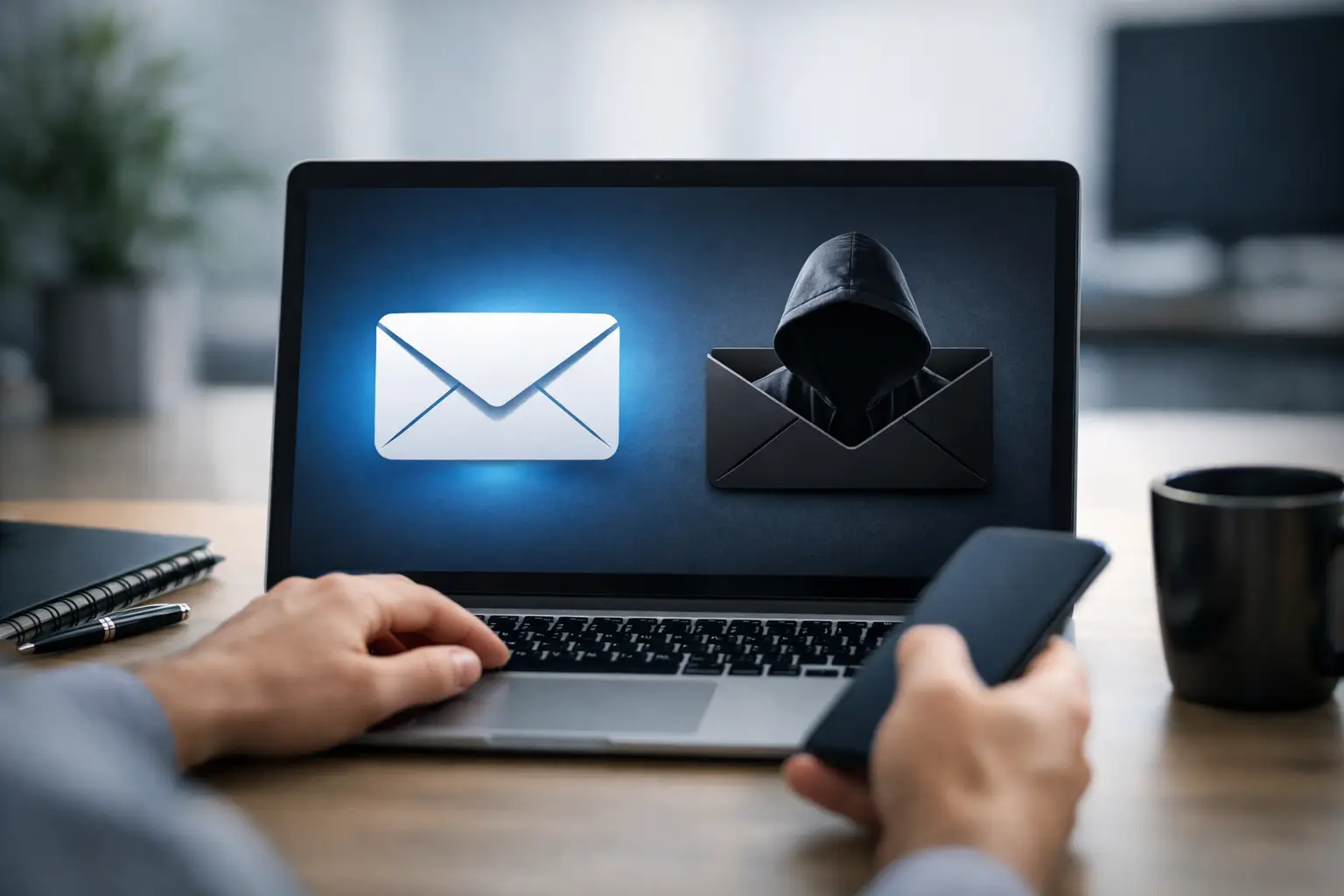
What Is Email Spoofing and How Does It Work?
A message that appears to come from your bank, a supplier, or even your own CEO can land in an employee’s inbox with a familiar name and address. That is why understanding what is email spoofing matters. It is one of the simplest ways criminals make a fraudulent email look credible before asking someone to send money, share information, or open a dangerous attachment.
For a small or mid-sized business, the risk is not limited to one bad click. A successful spoofing attempt can lead to invoice fraud, stolen passwords, malware, disrupted operations, and damaged customer trust. The good news is that email spoofing can be reduced with the right mix of technical controls, clear processes, and practical employee awareness.
What Is Email Spoofing?
Email spoofing is the practice of forging or manipulating email sender details so a message appears to come from someone other than its true source. The sender name, reply-to address, or visible email address may imitate a trusted person or organization.
An attacker may send an email that looks like it came from `billing@yourcompany.com`, a well-known shipping carrier, or a manager at your organization. The goal is usually to get the recipient to trust the message quickly enough that they do not stop to verify it.
Spoofing does not always mean an attacker has broken into the real sender’s mailbox. In many cases, they are simply taking advantage of weaknesses in how email was originally designed. Email systems were built to move messages between organizations, not to guarantee that every visible sender address is genuine.
How Email Spoofing Works
Every email includes technical routing details called headers. These details show where the message traveled and which servers handled it. Most users never see them because their inbox displays only the sender name and a simplified address.
A spoofed message can use a convincing display name, such as “Accounts Payable” or “John Smith, President,” while being sent from a completely unrelated address. In more sophisticated cases, the visible address may closely resemble a real one. For example, an attacker might replace a lowercase “l” with an uppercase “I,” add a hyphen, or use a lookalike domain such as `yourcornpany.com` instead of `yourcompany.com`.
Some attackers attempt to forge the actual domain in the From field. Whether that email reaches the inbox depends on the receiving organization’s security settings and on whether the legitimate domain has proper email authentication in place. This is where controls such as SPF, DKIM, and DMARC make a meaningful difference.
The role of SPF, DKIM, and DMARC
SPF, DKIM, and DMARC are email authentication standards that help receiving mail systems decide whether a message claiming to come from a domain is legitimate.
SPF identifies which mail servers are authorized to send email for your domain. DKIM adds a digital signature that helps verify the message was sent by an approved system and was not altered in transit. DMARC ties these checks together and tells receiving systems what to do when a message fails authentication, such as quarantine it or reject it.
These controls are highly effective when configured correctly, but they are not a complete solution. They protect your domain from being impersonated more easily, yet employees can still receive messages from lookalike domains, compromised vendor accounts, or free email accounts that use a convincing display name.
Why Businesses Are Targeted
Criminals target businesses because a single credible email can create a high-value opportunity. A message that appears to come from an executive can pressure an employee to purchase gift cards, change payroll details, or approve a wire transfer. A message that seems to come from a vendor can redirect a legitimate invoice payment to a criminal account.
Smaller organizations are often attractive targets because teams move quickly and people wear multiple hats. An office manager may handle invoices, payroll questions, vendor communication, and technology decisions in the same week. Attackers rely on that workload. Their messages are designed to create urgency: “I need this paid before noon,” “I am in a meeting,” or “Do not call me right now.”
Email spoofing also supports credential theft. A fake Microsoft 365, Google Workspace, banking, or document-sharing notification can send an employee to a counterfeit sign-in page. Once the password is entered, attackers may gain access to the real mailbox and use it to send even more believable messages internally.
Common Signs of a Spoofed Email
Spoofed emails have improved, so spelling errors alone are no longer a reliable warning sign. Instead, employees should look at the full context of a message.
Be cautious when an email creates unusual urgency, requests a payment or change in banking information, asks for a password, or includes an unexpected attachment. Check the full sender address, not just the display name. Hover over links before opening them and confirm that the destination matches the organization you expect.
A message can also be suspicious if it breaks an established process. If a vendor normally sends invoices from one contact but suddenly asks for payment instructions from a new address, treat that as a verification issue. If an executive asks for a confidential or unusual transaction, use a known phone number or a separate communication channel to confirm the request.
The key is not to assume every unexpected email is malicious. It is to slow down when the request involves money, credentials, sensitive data, or system access. A two-minute check can prevent a costly incident.
How to Protect Your Organization From Email Spoofing
Effective protection starts with your email environment. Configure SPF, DKIM, and DMARC for every domain your business uses to send email, including marketing, invoicing, and third-party platforms. A DMARC policy should be monitored before it is enforced because legitimate systems can fail if they were not included in the setup. This is one area where careful planning matters more than simply turning on a setting.
Use a managed email security solution that filters malicious links, attachments, impersonation attempts, and suspicious sender behavior before messages reach users. Modern filtering can identify many threats, but it should be tuned to your business. Overly aggressive filtering can block valid vendor messages, while weak settings leave too much risk in the inbox.
Multi-factor authentication is another essential layer. If an employee enters a password on a fake website, MFA can still stop an attacker from accessing the account in many cases. Choose a method that fits your operations and apply it consistently, especially for email administrators, finance staff, executives, and remote users.
Your financial procedures should provide another line of defense. Require independent verification for changes to vendor banking details, payroll deposits, and payment instructions. A reply to the suspicious email is not enough because it may go directly to the attacker. Verify through a known phone number, vendor portal, or established contact.
Finally, train employees with real-world examples. Short, regular awareness sessions are generally more effective than a once-a-year presentation. People need to recognize the patterns of impersonation and know exactly what to do when something feels off: report it, avoid clicking, and verify the request through another channel.
What to Do If You Receive a Spoofed Email
If a suspicious email arrives, do not click links, open attachments, reply, or forward it casually to others. Report it through your organization’s designated process or to your IT provider. Keeping the original message available helps technical teams review headers, block related senders, and determine whether other employees received the same campaign.
If someone clicked a link or entered credentials, fast reporting is far more useful than embarrassment. IT should reset the password, review sign-in activity, revoke active sessions where appropriate, check mailbox forwarding rules, and assess whether any files or messages were accessed. If payment information was involved, contact the financial institution and vendor immediately.
Email spoofing is not a problem solved by one product or one policy. It is a business risk that needs practical layers: authenticated email, effective filtering, secure accounts, clear verification procedures, and people who know when to pause. Schneiders MSP can help organizations assess those layers and build an email security setup that fits their budget, systems, and day-to-day workflow. The best time to verify your defenses is before a familiar-looking message puts someone under pressure.