
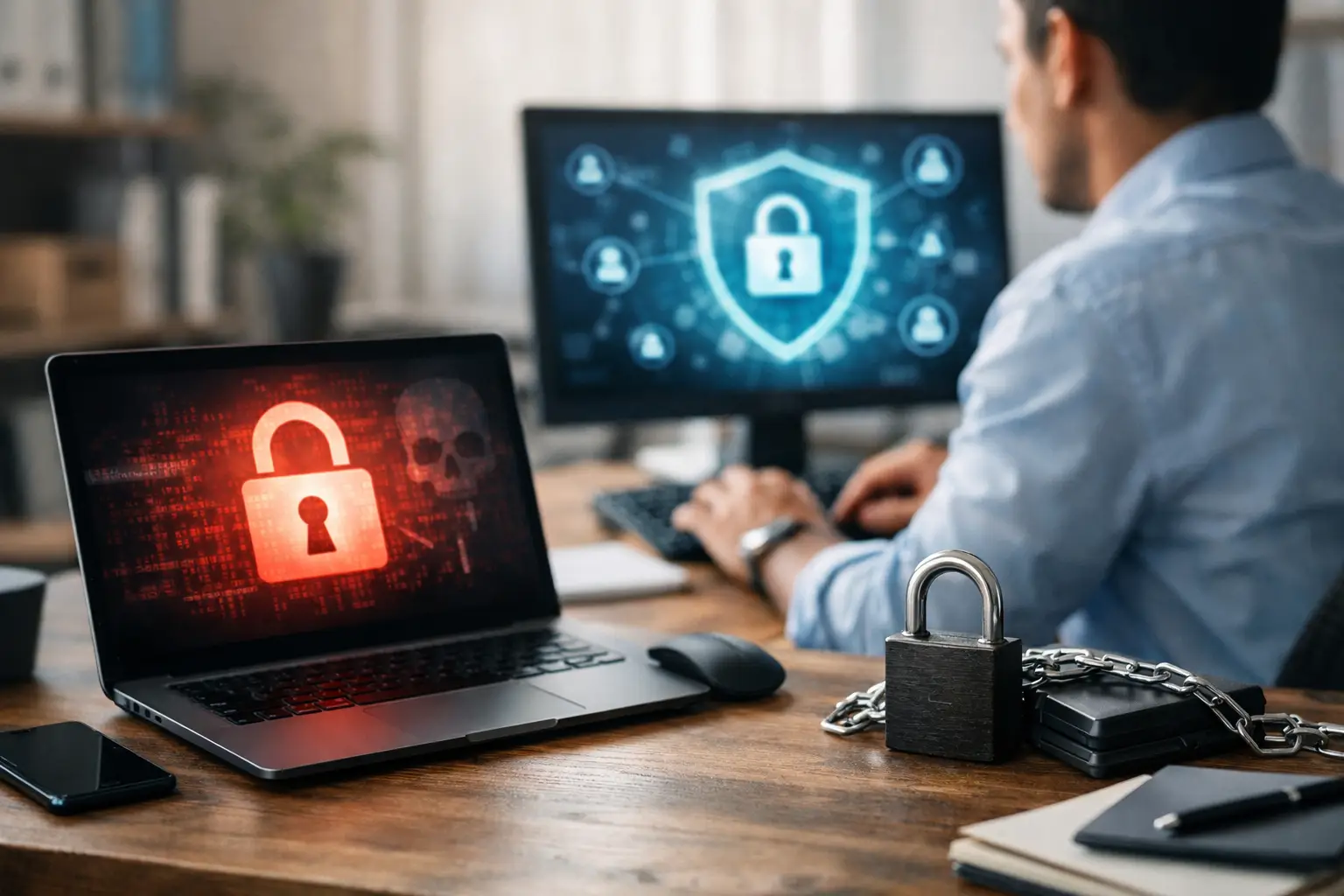
How to Prevent Ransomware in Small Business
One bad click can stall payroll, lock up customer files, and turn a normal workday into a scramble. That is why business owners keep asking how to prevent ransomware in small business environments without hiring a full in-house security team. The good news is that ransomware defense does not start with expensive tools. It starts with a few smart controls, consistent habits, and a plan that fits how your team actually works.
Why ransomware hits small businesses so often
Small businesses are common targets for a simple reason – attackers expect weaker defenses and faster pressure to pay. A larger company may have a security team, stricter access rules, and more mature backup systems. A smaller business often has shared passwords, aging hardware, limited oversight, and employees wearing five hats at once.
That does not mean your business is unprotected by default. It means your security approach has to be practical. If your team depends on email, shared files, remote access, cloud apps, and internet-connected devices, then your ransomware prevention strategy needs to cover those areas first.
Most ransomware incidents begin with a familiar opening. A phishing email tricks someone into opening a file or entering credentials. A weak remote desktop setup gets exposed to the internet. An unpatched computer gives attackers an easy path in. Once inside, they move fast, encrypt files, and sometimes threaten to leak data as added leverage.
Prevent ransomware in small business with layered protection
If you want to prevent ransomware in small business operations, the safest approach is not relying on one product. It is building layers that reduce the odds of infection and limit damage if something slips through.
Start with email and user awareness
Email is still one of the easiest ways into a company. That makes employee awareness one of the most affordable defenses you can put in place. People do not need deep technical training. They need clear rules they can remember under pressure.
Teach staff to pause before opening attachments, clicking login links, or responding to urgent payment requests. Show them what spoofed addresses look like. Make it normal to verify unusual requests by phone or direct message. The goal is not to make employees paranoid. It is to make them comfortable slowing down when something feels off.
Email filtering also matters. Good filtering will block a large share of malicious attachments, dangerous links, and impersonation attempts before they ever reach the inbox. Training alone is not enough, and software alone is not enough. Together, they are far more effective.
Lock down access before attackers do
A surprising number of ransomware incidents get worse because users have more access than they need. If one compromised account can reach every shared folder, every department becomes exposed at once.
Limit access based on role. Use separate admin accounts for elevated tasks instead of giving full rights to everyday logins. Turn on multi-factor authentication anywhere it is available, especially for email, cloud platforms, VPNs, and remote desktop tools. If a password gets stolen, multi-factor authentication can be the difference between a blocked attempt and a business disruption.
There is a trade-off here. Tighter access can feel less convenient at first. Some employees may push back when old shortcuts disappear. In practice, that small adjustment is much easier to manage than recovering encrypted systems.
Keep systems updated
Patch management is not glamorous, but ransomware groups routinely exploit known vulnerabilities. Operating systems, servers, browsers, firewalls, productivity software, and line-of-business applications all need regular attention.
For small businesses, the challenge is rarely knowing updates matter. The challenge is fitting them into real operations. Some updates need testing. Some require after-hours scheduling. Some older applications may break if updated too aggressively. That is where a managed approach helps. You want a process that keeps systems current without interrupting the business every week.
Backups are your safety net, not your strategy
Backups are essential, but they only help if they are protected, recent, and restorable. Many businesses assume they are covered because files sync to the cloud or because a backup job says it completed. That assumption gets tested the hard way during an attack.
A good backup setup includes versioning, offline or isolated copies, and regular recovery testing. If ransomware reaches your production environment and your backups are connected the same way, those backups may be encrypted too. If recovery takes three days and your business can only tolerate four hours of downtime, then the backup system is not aligned with your operational needs.
This is where planning matters more than marketing claims. Ask how quickly you need critical systems back, which data matters most, and what order recovery should happen in. Accounting, customer records, phones, and shared files do not all carry the same urgency.
The most common weak points to fix first
Every environment is different, but small businesses usually benefit most from fixing the basics before chasing advanced security features.
Remote access is a major one. If remote desktop is exposed directly to the internet, that should be reviewed immediately. Use secure remote access methods, require multi-factor authentication, and monitor login attempts.
Shared credentials are another problem. If multiple people use the same account, accountability disappears and risk goes up. Every user should have their own login, and former employees should be removed quickly.
Then there is endpoint protection. Standard antivirus is better than nothing, but modern endpoint security tools are better at spotting suspicious behavior like mass file encryption, unauthorized script execution, or credential theft activity. That does not guarantee prevention, but it improves your chances of catching an attack early.
Network segmentation can also reduce damage. If every device and server sits on the same flat network, attackers have an easier time moving around. Separating critical systems, guest devices, and general office equipment can help contain problems.
Policies matter because people are busy
Most small business security gaps are not caused by negligence. They are caused by speed. Teams need to get work done, so they reuse passwords, delay updates, and approve requests quickly.
Clear policies help remove guesswork. That includes rules for password managers, software installation, personal device use, file sharing, vendor access, and what to do when something suspicious appears. Policies should be simple enough that staff can actually follow them.
The same goes for incident response. If an employee suspects ransomware, they should know exactly what to do next. Disconnect the affected device, report it immediately, and avoid trying random fixes that could spread the issue or erase evidence. Fast action can limit the blast radius.
What a realistic ransomware prevention plan looks like
A workable plan is not about buying every security product on the market. It is about making sensible improvements in the right order.
For many businesses, that means starting with a security review. Identify exposed remote access, outdated systems, backup gaps, over-permissioned accounts, and missing multi-factor authentication. From there, prioritize based on operational risk. A company that depends heavily on shared files may need backup and access control work first. A business with remote staff may need stronger identity security and endpoint management first.
This is also where outside support can make life easier. A managed IT partner can assess the environment, tighten the setup, monitor systems, and handle patching, backups, email security, and user support in a coordinated way. That is often more cost-effective than trying to assemble disconnected tools and vendors internally. For businesses that want coverage from A to Z without building a large internal IT function, that model tends to be easier to sustain.
Prevent ransomware in small business without overspending
Budgets matter, especially for smaller organizations. The good news is that some of the highest-value protections are also the most practical. Multi-factor authentication, restricted access, consistent patching, tested backups, stronger email filtering, and basic user training do more than flashy one-time purchases.
It also helps to think in terms of business continuity, not just cybersecurity. The question is not only whether an attack can happen. The question is how well your business keeps operating if one does. That shift leads to better decisions about backup retention, device management, internet redundancy, cloud services, and support response times.
No environment is ever risk-free. Attack methods change, employees make mistakes, and older systems can create complications. But ransomware prevention does not have to be complicated to be effective. It has to be intentional, maintained, and aligned with how your business runs day to day.
If your setup has grown piece by piece over time, this is a good moment to simplify it. A clearer security baseline, a tested recovery plan, and the right support behind it can save far more than they cost when something goes wrong.