
Business Internet Failover Guide for Uptime
A dropped internet connection can stop far more than email. Card terminals may stop processing, cloud files become unavailable, VoIP phones go quiet, and staff cannot reach the systems they need to serve customers. A business internet failover guide helps you plan for that moment before it becomes an expensive interruption.
Failover is not about buying the fastest backup connection available. It is about matching a backup path to the functions your business must keep running, then configuring it to take over automatically when the primary connection fails. For a small or mid-sized business, the right setup can be practical, affordable, and much easier to manage than a day of lost productivity.
What Business Internet Failover Actually Does
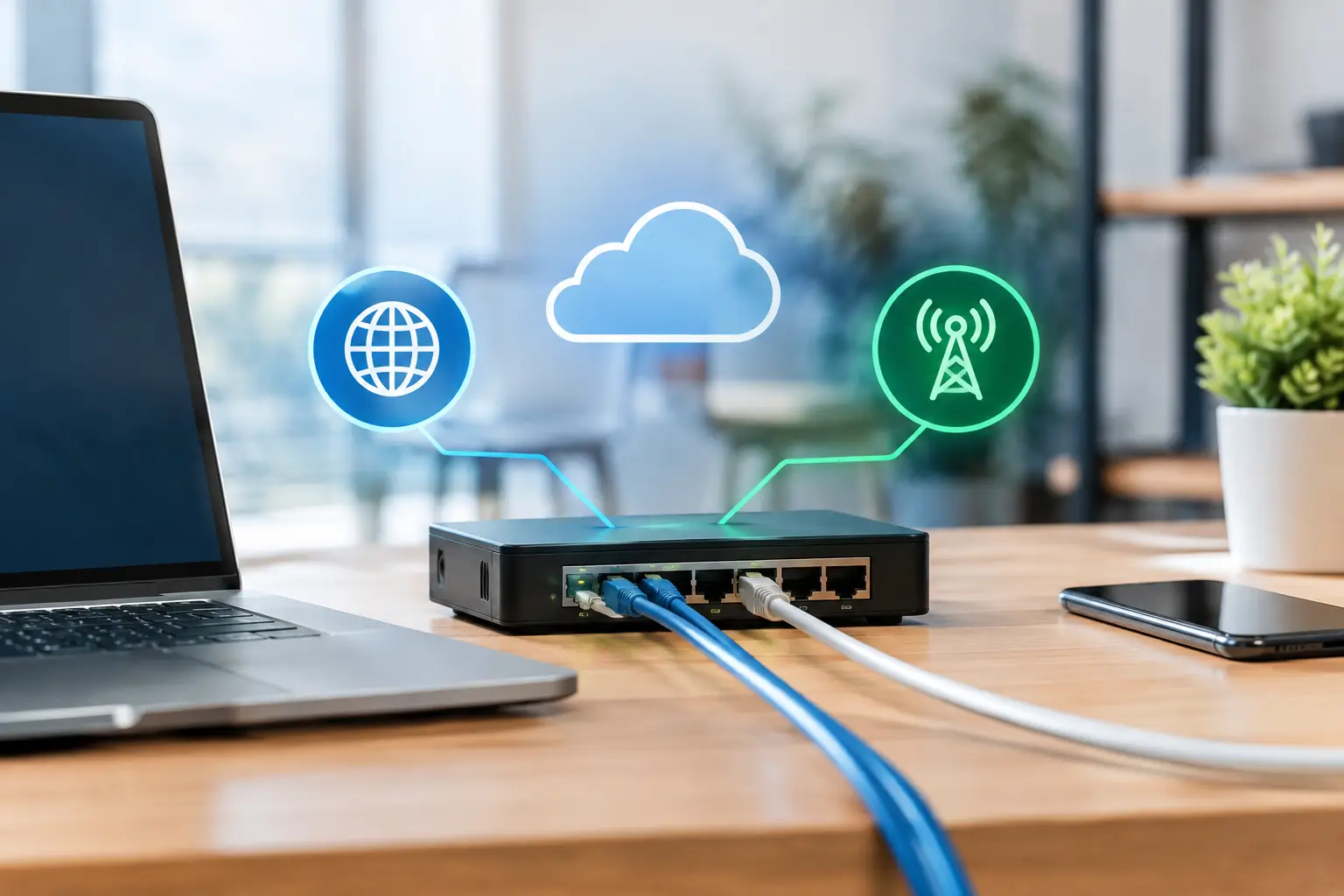
Internet failover gives your network a second route to the internet when the main connection is unavailable. A firewall or router monitors the primary service and switches traffic to a backup connection when it detects a problem. When the primary service returns, the device can move traffic back automatically or wait for an IT team to confirm the line is stable.
That backup might be a second wired provider, a fixed wireless connection, a cellular 5G or LTE service, or another circuit using a different physical path. The best option depends on what causes the most likely outages at your location.
For example, a second cable connection from the same provider may protect against a modem failure but may not help if a construction crew damages the shared line serving your building. A cellular backup can be independent of local wireline infrastructure, but performance may vary with signal strength and network congestion. True resilience comes from avoiding a single point of failure, not simply adding another bill.
Business Internet Failover Guide: Start With Business Impact
The first question is not, “How much bandwidth should we buy?” Ask, “What cannot be offline?” A dental office may need phones, scheduling software, payment processing, and secure access to patient records. A warehouse may need shipping systems, inventory tools, scanners, and remote support. A professional office may prioritize cloud applications, video meetings, and VoIP calls.
Write down the systems that must work during an outage and separate them from services that can wait. This prevents overbuilding the solution. Most organizations do not need every employee streaming video or syncing large files over a backup connection. They do need the core tools that keep customers served and revenue moving.
Consider these operational questions before selecting a failover service:
- How much does one hour of internet downtime cost in missed sales, delayed work, and staff time?
- Which applications need low latency, such as phones, payment terminals, or remote desktop access?
- How many people need to work during an outage?
- Is the backup connection likely to be used only occasionally, or frequently during service instability?
- Does your building have reliable cellular signal and a suitable location for an external antenna if needed?
The answers shape the design. A five-person office may be well served by managed 5G failover with traffic controls. A larger location with a busy phone system, cloud-based operations, and guest Wi-Fi may need a second business-grade wired circuit from a different provider.
Choose a Backup Connection That Fails Differently
The word “different” matters more than the advertised download speed. If your primary connection is cable, a fiber, fixed wireless, or cellular backup may provide better protection than another cable line. If fiber is your main service, cellular or fixed wireless may give you a separate path, though a second fiber circuit can make sense when it enters the property through a different route and network.
Cellular 5G or LTE failover
Cellular failover is often the most budget-conscious option for small and mid-sized businesses. It can be installed quickly, avoids dependence on the local cable or phone network, and provides enough capacity for essential cloud apps, email, payment terminals, and a limited number of VoIP calls.
Its trade-off is variability. Signal quality, carrier coverage, data plan limits, and demand on the cellular network affect performance. It is a strong fit when outages are infrequent and the goal is to keep critical operations moving, not to replicate your full office connection.
Fixed wireless failover
Fixed wireless uses a dedicated radio connection, often with an antenna installed on the building. It can offer more predictable capacity than cellular in the right location and may be useful where wired options are limited.
However, it requires a site assessment. Nearby buildings, trees, weather exposure, and line-of-sight requirements can affect service. It is worth considering when your location needs more consistent backup performance than cellular can provide.
A second wired internet provider
A second wired circuit usually delivers the strongest capacity for organizations that need many users, regular cloud access, or a large VoIP deployment to remain active. It can also support a planned maintenance window without interrupting operations.
The cost is higher, and diversity must be verified. Two providers in the same building may still rely on shared conduit, utility infrastructure, or a common upstream facility. Ask where each service enters the building and whether both paths depend on the same local equipment.
The Firewall Is the Control Center
A backup internet connection on its own does not create failover. Your firewall or edge router needs to monitor the primary circuit, decide when it has truly failed, and redirect traffic safely.
This is where a managed firewall configuration makes a major difference. A device that checks only whether the modem is powered on may miss an upstream outage. Better monitoring tests access to reliable external destinations and uses defined thresholds before switching connections. That reduces unnecessary switching caused by a brief interruption.
Configuration also determines what happens to active sessions. Video meetings and phone calls may disconnect during a failover event because their public internet address changes. That is normal for many standard setups. The goal is to restore access quickly, not to promise that every live session will be invisible to users.
Traffic rules are equally useful. During backup mode, you may want to prioritize business phones, payment terminals, remote access, and cloud software while limiting guest Wi-Fi, software updates, large downloads, and recreational streaming. These controls help a modest backup connection support the work that matters most.
Do Not Forget Security During Backup Mode
An outage is not a reason to lower security standards. Backup connections should remain behind the same managed firewall, content filtering, intrusion prevention, and network segmentation policies used on the primary circuit.
Avoid connecting a consumer hotspot directly into the office network as an emergency shortcut. It may bypass firewall protections, create an unmanaged access path, or expose sensitive systems to unnecessary risk. If a cellular device is part of the plan, it should be installed, secured, and documented as part of the network design.
Remote access deserves special attention. Staff working from home or another location may need VPN access during an outage, and that traffic can consume a meaningful share of backup bandwidth. Confirm that your failover plan supports secure remote access without crowding out phones or customer-facing systems.
Test the Plan Before You Need It
Many businesses discover their failover configuration is incomplete only after a real outage. A quarterly test is usually enough to catch common issues. During a planned test, disconnect or disable the primary connection, confirm that the firewall switches to the backup service, and verify that priority applications work as expected.
Check phones, payment terminals, cloud software, remote access, email, printers that rely on cloud services, and any industry-specific application your team uses. Record how long the switchover took and whether users experienced issues. Then restore the primary service and confirm traffic returns correctly.
Testing is also the time to review backup data usage. A cellular plan that works well for a short outage may become expensive if the primary line is down for several days. Usage alerts and traffic controls give you time to respond before overage costs become a surprise.
Build Failover Into Your Broader Continuity Plan
Internet failover supports business continuity, but it is not the whole plan. A working backup connection does not help if your cloud account is locked, your phones are not configured for remote use, or a power outage takes down the network equipment.
For locations where uptime is especially important, consider how the firewall, switches, modem, wireless access points, and phone equipment will stay powered during a brief electrical interruption. A properly sized battery backup can bridge short power events and keep failover equipment online long enough for operations to continue or for staff to shut down safely.
It also helps to assign ownership. Someone should know who to contact, where the equipment is located, how to identify backup mode, and which business functions receive priority. Clear documentation turns a stressful outage into a manageable operating procedure.
The right failover setup is the one that protects your essential work without paying for capacity you will never use. Schneiders MSP can assess your location, applications, providers, and budget, then design and manage a practical backup internet plan that keeps your business ready when the primary connection does not cooperate.