
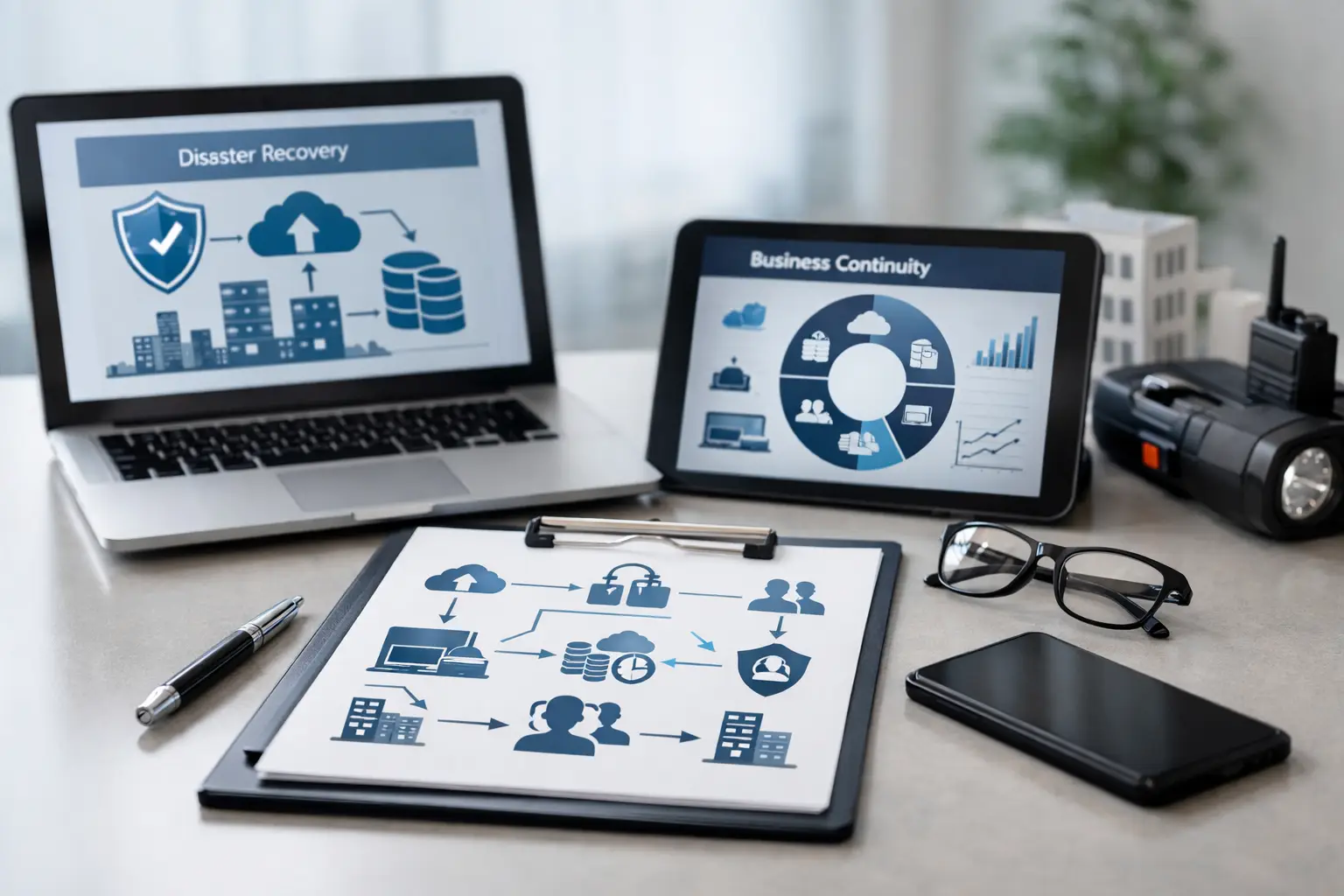
10 Best Business Continuity Planning Tools
A business continuity plan is only useful if your team can act on it when a server fails, ransomware locks a file share, a storm closes the office, or a key vendor goes offline. The best business continuity planning tools turn a document that sits in a folder into a working system for protecting data, communicating clearly, and restoring operations without unnecessary delay.
For small and mid-sized organizations, the goal is not to buy every product on the market. It is to build a practical stack around the systems your business cannot operate without: email, files, phones, line-of-business applications, internet access, and the people who use them. The right mix depends on your recovery priorities, budget, compliance requirements, and how much downtime your organization can realistically absorb.
What Business Continuity Tools Should Actually Do
Business continuity is broader than backup. Backup protects copies of data. Disaster recovery restores systems after a major failure. Continuity planning adds the people, processes, communications, vendors, workspaces, and decision-making needed to keep serving customers while recovery is underway.
A useful toolset should help answer a few operational questions quickly: What happened? Who is responsible for the next action? Which systems must be restored first? Where is the cleanest available copy of data? How do employees continue working if the office, network, or phone system is unavailable?
The strongest setups also make testing easier. A plan that has never been tested is an assumption, not a recovery strategy.
10 Best Business Continuity Planning Tools to Consider
1. Business Impact Analysis and Planning Software
A business impact analysis, or BIA, identifies critical processes, the technology they depend on, the cost of downtime, and the recovery target for each service. Platforms such as Riskonnect, Fusion Framework System, and Archer can centralize these details, assign owners, track plan updates, and document exercises.
These platforms are most useful for organizations with several locations, formal compliance obligations, or many interdependent departments. Smaller companies may not need dedicated BIA software at first. A well-maintained planning template, documented asset list, and guided review with an IT partner can provide a more budget-conscious starting point. The key is keeping ownership and recovery priorities clear.
2. Veeam Data Platform
Veeam is widely used for protecting virtual servers, physical workloads, and cloud data. It supports backup, replication, recovery verification, and monitoring, making it a strong option for businesses that rely on on-premises servers or hybrid environments.
Its value comes from flexibility. You can retain backups locally for fast restores while also storing protected copies off-site. That said, Veeam needs thoughtful configuration, storage planning, and regular testing. Buying backup software without monitoring jobs, checking restore points, or securing administrative access can create a false sense of protection.
3. Datto Backup and Disaster Recovery
Datto is designed for managed backup and rapid recovery, particularly for small and mid-sized businesses. It combines backup appliances, cloud retention, and virtualization capabilities so a protected server can potentially be run in a recovery environment while the primary system is repaired.
This approach can reduce downtime for essential applications, accounting systems, file servers, and other workloads that cannot wait days for a full rebuild. It is typically more expensive than basic cloud backup, but the difference matters when each hour of server downtime affects customer service, production, or payroll.
4. Microsoft 365 Backup
Many companies assume Microsoft automatically provides a complete backup for Exchange Online, OneDrive, SharePoint, and Teams. Microsoft protects service availability, but that is not the same as maintaining independent, long-term recovery copies for accidental deletion, retention gaps, account compromise, or ransomware-related data loss.
A dedicated Microsoft 365 backup tool gives your organization more control over recovery. Look for searchable restores, retention settings that match your needs, protected administration, and the ability to restore individual emails, files, folders, or sites. For organizations built around Microsoft 365, this is one of the most practical continuity investments available.
5. Endpoint Detection and Response
A continuity plan can fail before recovery begins if ransomware spreads unchecked across workstations and servers. Endpoint detection and response, often called EDR, monitors devices for suspicious behavior and helps contain threats quickly. Microsoft Defender for Business, SentinelOne, and CrowdStrike are examples of platforms used in this category.
EDR is not a replacement for backup, but it helps preserve the systems you would otherwise need to restore. The best fit depends on your device count, internal IT capability, and whether someone is actively watching alerts. For most busy organizations, a managed security service provides better coverage than an alert-only tool that no one has time to review.
6. Multi-Factor Authentication and Identity Protection
Compromised passwords remain a common path to email fraud, data theft, and ransomware. Multi-factor authentication, or MFA, should protect email, remote access, cloud applications, administrative accounts, and any platform containing sensitive business information.
Microsoft Entra ID, Duo, and Okta can help control access and enforce stronger sign-in policies. Identity protection becomes especially important during an incident because attackers often target administrator accounts and backup credentials. Separate backup administration, least-privilege access, and MFA are simple controls with a major continuity benefit.
7. Incident Response and Communication Tools
During an outage, employees need one reliable place to receive instructions. Teams, Slack, and similar platforms can support coordinated response, but your continuity plan should account for the possibility that your normal email or collaboration tools are unavailable.
A dedicated emergency notification platform such as AlertMedia or Everbridge may be appropriate for larger organizations. Smaller businesses can often use a documented phone tree, emergency contact list, text messaging process, and alternate email method. Whatever you choose, store contact information somewhere accessible outside the affected environment and test it at least once a year.
8. Cloud-Based VoIP Systems
When an office loses power or internet service, a traditional desk-phone setup can become a customer service problem. Cloud-based VoIP systems can route calls to mobile devices, alternate locations, auto attendants, or temporary staff. This keeps customers connected even when the usual office setup is unavailable.
The feature list matters less than the continuity configuration. Set up call forwarding rules in advance, document who can change them, and identify a backup internet connection for key staff. A phone system can only support continuity if employees know how to use it away from their desks.
9. Network Monitoring and Managed Firewalls
Network monitoring tools identify outages, failing hardware, unusual traffic, and capacity issues before they become larger disruptions. Paired with a properly managed firewall, they also support secure remote work and help contain threats that could spread through the network.
For most small and mid-sized businesses, this is not a do-it-yourself project. Firewalls need current firmware, reviewed rules, secure remote access, and alert response. Monitoring is valuable because it creates visibility, but it is far more useful when a qualified team is responsible for acting on what it finds.
10. Documentation and Password Management Platforms
Recovery slows down when critical information is stored in one person’s inbox, a notebook, or an outdated spreadsheet. Secure documentation systems and business password managers help maintain current records for vendor contacts, network diagrams, software licenses, recovery procedures, domain access, and emergency credentials.
Tools such as IT Glue, Hudu, 1Password Business, and Keeper can create a controlled source of truth. Access should be role-based, audited, and available to authorized responders during an incident. Documentation is not glamorous, but it often determines whether a recovery takes hours or days.
How to Choose the Right Continuity Stack
Start with the business impact, not the product catalog. List the functions that would stop revenue, customer service, payroll, production, or compliance if they failed. Then assign a recovery time objective, or RTO, which is how quickly a service must be restored, and a recovery point objective, or RPO, which is how much data loss is acceptable.
A company that can tolerate a day without an internal archive may choose economical cloud backup. A company that cannot process orders without its server may need faster recovery, local backup capacity, and a virtual failover option. Neither choice is universally better. It depends on the real cost of downtime.
Avoid fragmented solutions that no one owns. If backup comes from one vendor, phones from another, security from a third, and documentation is incomplete, your team may spend valuable time trying to determine who is responsible. A coordinated provider can assess the full environment, identify gaps, manage the implementation, and keep testing on the schedule.
Test the Tools Before You Need Them
Your continuity plan should include scheduled restore tests, simulated ransomware scenarios, communication drills, and a review of emergency contacts. Test a file restore, an email restore, a server recovery, and the process for rerouting phones. Record what worked, what took too long, and which instructions were unclear.
The best business continuity planning tools are the ones your organization can afford, operate, and verify consistently. Start with the systems that keep your business moving, protect them in layers, and give your people a clear path to follow when the unexpected happens. Schneiders MSP can help turn those priorities into a manageable continuity plan with the right technology and ongoing support.