
Why Businesses Need Email Filtering for Security
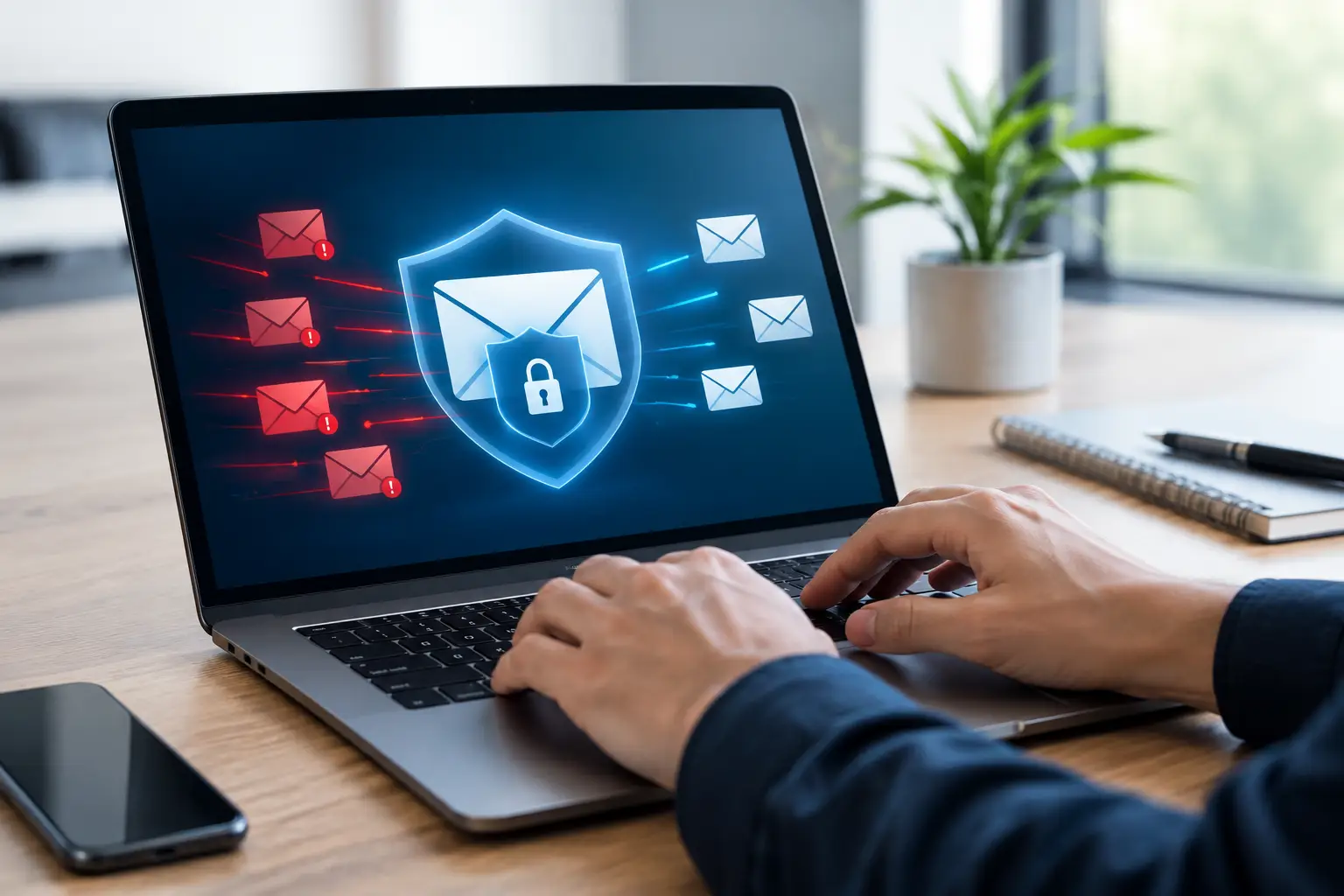
A single deceptive email can create a costly chain reaction: an employee enters credentials on a fake login page, an attacker accesses the mailbox, fraudulent payment requests follow, and daily work stops while the issue is contained. That is why businesses need email filtering. It puts a practical security checkpoint in front of the inbox, where many cyber incidents begin.
For small and mid-sized organizations, email is too central to leave unprotected. It carries quotes, invoices, customer information, contracts, password reset notices, and internal decisions. A reliable filtering solution helps separate legitimate business messages from phishing attempts, malware, impersonation scams, and unwanted bulk mail before those messages reach your team.
Why Businesses Need Email Filtering Beyond Spam Control
Email filtering was once viewed mainly as a way to reduce junk mail. That benefit still matters. Fewer irrelevant messages mean employees can find customer requests, supplier updates, and urgent internal communications faster.
But modern email filtering is first and foremost a security control. Criminals increasingly use email because it is inexpensive, convincing, and aimed at people rather than just technology. They may pose as a bank, a software provider, a shipping company, a customer, or even your company president. The message may look polished, use a familiar logo, and create pressure to act quickly.
A quality email filtering service evaluates incoming messages for warning signs before delivery. It can identify suspicious sender behavior, known malicious links, dangerous attachments, spoofed domains, and unusual message patterns. Depending on the service and configuration, it can also scan outgoing mail to help prevent compromised accounts from sending harmful messages to customers or partners.
This matters because employees are busy. Even well-trained staff can make a mistake when a message arrives during a hectic morning, appears to come from a trusted contact, or requests an action that seems routine. Filtering reduces the number of risky decisions your team has to make in the first place.
Phishing Is a Business Operations Problem
Phishing is not only an IT concern. It can disrupt accounting, sales, customer service, operations, and leadership.
A common example is business email compromise. An attacker gains access to, or convincingly imitates, an executive or vendor email account. They then send an urgent request to change banking details, purchase gift cards, release payroll information, or pay an invoice. The language is often simple and believable because the goal is not technical exploitation. The goal is to make someone trust the request.
Other phishing emails deliver malicious links or attachments. A fake document-sharing alert may lead an employee to a counterfeit Microsoft 365 sign-in page. A supposed invoice may contain malware. A shipping notification may direct the recipient to a site designed to collect credentials. If one employee’s password is stolen, the attacker may use that access to search mailboxes, contact customers, spread more phishing emails internally, or attempt access to other business systems.
Email filtering helps stop these threats at the gateway. It will not eliminate every bad message, and it should never replace staff awareness training or multi-factor authentication. Still, it provides a valuable first layer that catches many attacks before an employee has to assess them.
Better Protection Against Ransomware and Malware
Ransomware can enter an organization through several paths, including exposed remote access, vulnerable software, and compromised credentials. Email remains one of the most common delivery methods.
A harmful attachment might be disguised as a PDF, spreadsheet, voicemail, or purchase order. A malicious link can send the user to a download page or a fake sign-in screen that gives attackers the credentials they need to begin their work. Once inside, attackers may try to encrypt files, disable security tools, steal data, or move from one system to another.
Email filtering can inspect attachments and URLs for known threats and suspicious behavior. It may block file types that do not belong in normal business communications, quarantine questionable messages for review, and rewrite or inspect links before users open them. These controls reduce exposure without requiring your staff to investigate every email manually.
There is a trade-off to manage. If filters are too strict, valid messages can be delayed or quarantined. If they are too relaxed, more threats reach the inbox. The right approach is not simply turning every setting to its highest level. It is configuring protection around how your organization actually works, then reviewing quarantine activity and adjusting policies as needed.
Email Filtering Protects Time, Not Just Data
Security incidents are expensive, but smaller inbox problems also have a real operational cost. Employees lose time deleting spam, checking whether unexpected messages are legitimate, recovering from account takeovers, and sorting through large volumes of unwanted mail.
When filtering is properly managed, legitimate communication becomes easier to see and act on. Sales teams can respond to real prospects faster. Finance teams can focus on approved invoices. Support staff can spend less time working around suspicious mail. Leadership has fewer interruptions tied to fraudulent requests.
This is especially valuable for businesses without a large internal IT department. If the office manager, controller, or operations lead is also responsible for technology decisions, they need protections that work consistently without creating another full-time task. A managed email security service can provide monitoring, policy management, and support when a message needs to be reviewed or released.
Email Security Must Work With the Rest of Your Defenses
Email filtering is highly effective, but it is not a stand-alone cybersecurity strategy. A suspicious email that reaches an inbox is less damaging when the user has multi-factor authentication, the endpoint is protected, backups are reliable, and access permissions are limited.
The strongest setup combines several practical controls:
- Email filtering to stop phishing, malicious links, unsafe attachments, and impersonation attempts.
- Multi-factor authentication to make stolen passwords less useful to attackers.
- Endpoint protection and patching to reduce the chance that malware can run or spread.
- Staff training that helps employees recognize unusual requests and report them quickly.
- Tested backups and an incident response plan to support recovery if an attack gets through.
These measures reinforce one another. For example, filtering may block a fake login email, while multi-factor authentication may protect the account if a user still enters credentials. Backups may help recover files after an incident, while endpoint protection can limit the spread. No single product can promise total protection, but layered defenses make a successful attack harder and recovery more manageable.
What to Look for in an Email Filtering Solution
The best solution depends on your email platform, team size, compliance needs, and the types of messages your business receives. A company that exchanges large files with vendors may need different attachment rules than a professional office that primarily sends documents and invoices.
Look for protection against phishing, malware, impersonation, and spoofed domains. Quarantine controls should be clear enough that authorized staff can review held messages without weakening security. Reporting should show what is being blocked and why. It is also helpful to have support available when a legitimate customer email is caught or when employees report a message that looks suspicious.
Configuration is just as important as the product itself. Whitelisting every frequent sender can create gaps, while overly broad rules can affect normal operations. Your provider should take time to understand your workflows, create sensible policies, and revisit them as your business changes.
A Practical Step Toward Safer Business Email
Email filtering gives your organization a better chance to stop an attack before it becomes a financial loss, a downtime event, or a difficult conversation with customers. It also creates a cleaner, more productive inbox for the people keeping your business moving.
If you are unsure what protection is already active on your email accounts, start with an assessment of current filtering, authentication, backups, and user access. Schneiders MSP can help you evaluate the gaps, recommend a budget-conscious setup, and manage the protection without adding unnecessary complexity. The goal is simple: let your team use email with greater confidence while your business stays focused on its work.