
Cloud Backup vs Local Backup for Business
The real test of a backup system is not how it looks on a quote. It is what happens when someone deletes the wrong folder at 4:45 p.m., a server fails overnight, or ransomware locks up shared files before payroll runs. That is where the cloud backup vs local backup decision becomes less of an IT preference and more of a business continuity choice.
For small and mid-sized businesses, this is rarely an either-or conversation. It is a question of recovery speed, budget, risk tolerance, and how much downtime your team can actually absorb. A law office, manufacturer, clinic, or accounting firm may all need backups, but they do not all need the same backup design.
Cloud backup vs local backup: what is the difference?
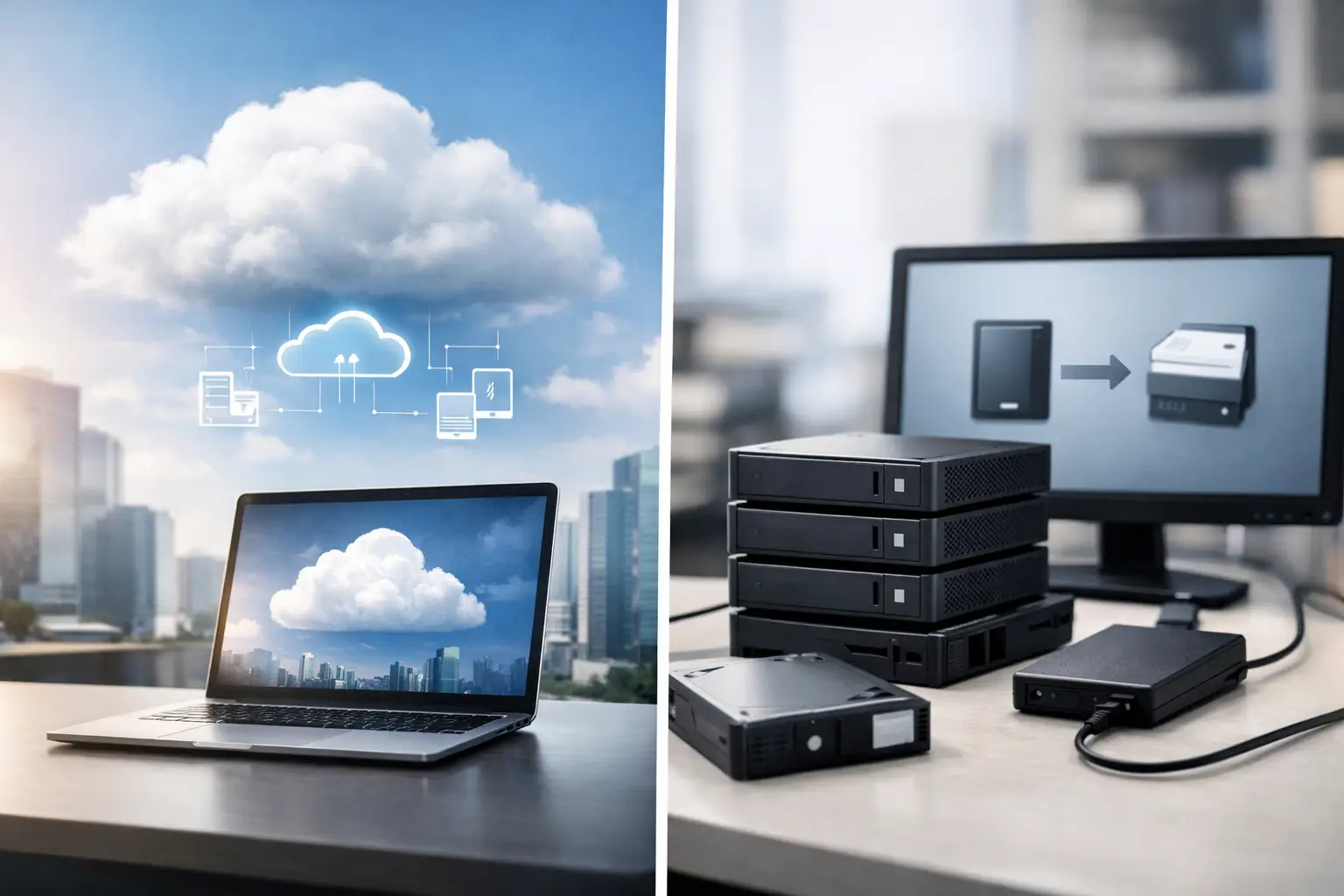
Cloud backup stores copies of your data in an off-site environment managed through the internet. That could include servers, Microsoft 365 data, file shares, virtual machines, or endpoint devices. The main advantage is that your backup is not sitting in the same building as the systems it protects.
Local backup stores data on equipment you control on-site, such as a NAS, backup appliance, external drive, or dedicated server. It stays physically close to your production environment, which usually means faster backup and restore performance.
At a glance, cloud backup is usually better for off-site protection and disaster recovery. Local backup is usually better for quick restores and large data transfers. The trade-off is that each one has blind spots if used alone.
Where cloud backup makes the most sense
Cloud backup is often the right fit for businesses that need resilience without maintaining a lot of backup hardware. If your team works across multiple locations, uses cloud applications heavily, or wants stronger protection against office-level disasters, cloud backup solves a real problem.
If there is a fire, flood, theft, or major hardware failure at your office, local backup devices can be lost along with your main systems. Off-site copies reduce that risk. That matters even more if your business cannot afford to rebuild from scratch or rely on staff to recreate missing files.
Cloud backup can also simplify management. Instead of buying, monitoring, replacing, and securing backup hardware yourself, you shift much of that burden to a managed platform. For businesses with lean internal resources, that is often a practical move rather than a technical luxury.
There are trade-offs. Large restores can take longer, especially if internet bandwidth is limited. Ongoing subscription costs can also add up over time, particularly for data-heavy environments with retention requirements. And not every cloud backup offering protects everything equally well. Some businesses assume their SaaS platforms fully cover backup needs, then find out retention or recovery options are limited when they need them most.
Where local backup still has a clear advantage
Local backup remains valuable because speed matters. If a staff member deletes a shared folder or a machine needs to be restored quickly, a nearby backup device can often get you back online much faster than pulling everything from the cloud.
This is especially true for businesses with large files, databases, production systems, or virtual environments. Restoring hundreds of gigabytes or several terabytes over the internet is possible, but it may not meet your recovery window. A local backup appliance can be the difference between a short interruption and a full day of downtime.
Local backup can also make financial sense in the right setup. For some organizations, a one-time hardware investment plus managed oversight is more predictable than a growing monthly cloud bill tied to storage volume.
The downside is exposure. If your backup lives in the same building and on the same network as your production systems, it may be vulnerable to the same events. That includes ransomware, power issues, accidental damage, and physical loss. A local backup that is not isolated, monitored, or tested can create a false sense of security.
Cloud backup vs local backup on cost
Cost is one of the biggest reasons businesses hesitate, but the cheaper option on paper is not always the less expensive one in practice.
Cloud backup usually has lower upfront costs. You avoid major hardware purchases, and expenses are spread out monthly. That can be attractive for growing businesses or organizations trying to preserve capital. The challenge is that long-term cloud costs depend on storage growth, retention periods, and the number of systems being protected.
Local backup often involves a larger upfront spend for hardware, setup, storage capacity, and maintenance. But once the system is in place, recurring costs may be lower depending on your environment. You also need to account for hardware replacement cycles, monitoring, patching, and whether someone is responsible for checking that backups actually complete.
The most useful way to evaluate cost is not cloud versus local in isolation. It is cost versus downtime. If one failed restore stops operations, delays invoicing, disrupts customer service, or creates compliance problems, the savings disappear quickly.
Recovery speed matters more than storage location
Many backup discussions focus too heavily on where the data sits and not enough on how fast you can recover it.
A backup is only useful if it supports your actual recovery goals. If your business can tolerate losing a full day of data, your approach may be different than a business that needs recovery down to the last hour. If your team can work manually for half a day, that is one thing. If every hour offline affects orders, scheduling, production, or client trust, your backup design has to reflect that reality.
This is where planning becomes more important than preference. You need to know what systems matter most, how quickly they need to come back, and what level of data loss is acceptable. For some companies, file-level recovery is enough. For others, image-based backups, virtualization support, and fast failover are worth the investment.
Why a hybrid approach often works best
For most businesses, the best answer to cloud backup vs local backup is both.
A hybrid setup gives you local speed and off-site protection. You can restore common file losses or server issues quickly from a local device, while still maintaining a protected off-site copy in case the building, hardware, or local network is compromised. This model also helps reduce the risk of ransomware affecting every copy at once, assuming the solution includes proper separation, immutability, or other safeguards.
That does not mean every business needs a complex enterprise backup environment. It means your backup strategy should match your operations. A smaller office may only need protected local recovery plus cloud replication. A larger environment may need layered backup policies across endpoints, servers, Microsoft 365, and line-of-business systems.
The point is to build around business risk, not marketing claims.
How to choose the right backup model
Start with your operations, not the technology. Ask what data you cannot afford to lose, how long you can function without it, and what a realistic recovery timeline looks like. Be honest about internet capacity, compliance expectations, and whether your current setup has ever been tested under pressure.
Also consider who is managing it. Backups fail quietly all the time. Jobs miss. Storage fills. Credentials expire. Devices disconnect. If no one is reviewing alerts, testing restores, and adjusting the backup plan as your business changes, the system may be weaker than it appears.
This is why many businesses prefer a managed approach. Instead of piecing together tools, storage, policies, and monitoring across multiple vendors, they want one provider to assess the environment, recommend the right mix, and keep it working. That is usually the difference between simply having backups and having a recovery plan you can trust.
At Schneiders MSP, that is how we look at it. Not as a generic product decision, but as part of a broader continuity and security strategy that fits your budget, infrastructure, and day-to-day operational needs.
The backup mistake businesses make most often
The biggest mistake is assuming any backup is good enough because it exists. Businesses buy a device, enable a cloud service, or rely on default settings, then move on. Months later, they discover the scope was incomplete, the retention was too short, or the restore process was far slower than expected.
Good backup planning is less about checking a box and more about reducing bad surprises. That means defining priorities, testing recovery, securing backup access, and reviewing the plan as systems change. New applications, remote work, larger file sets, and compliance demands all shift what “good enough” looks like.
If you are weighing cloud backup against local backup, the best question is not which one is better in general. It is which one gives your business the best chance of staying operational when something goes wrong. That answer is often more practical, and more specific, than people expect.